WPRESS PLUGINS WORDPRESS UTILITY

WPress Cache.

Speed up WordPress with WPress Cache: full-page caching, smart purge, automatic cache warming, gzip and simple performance controls in one friendly plugin.

WordPress plugin · ZIP package · No checkout required

WPRESS / PLUGIN PREVIEW
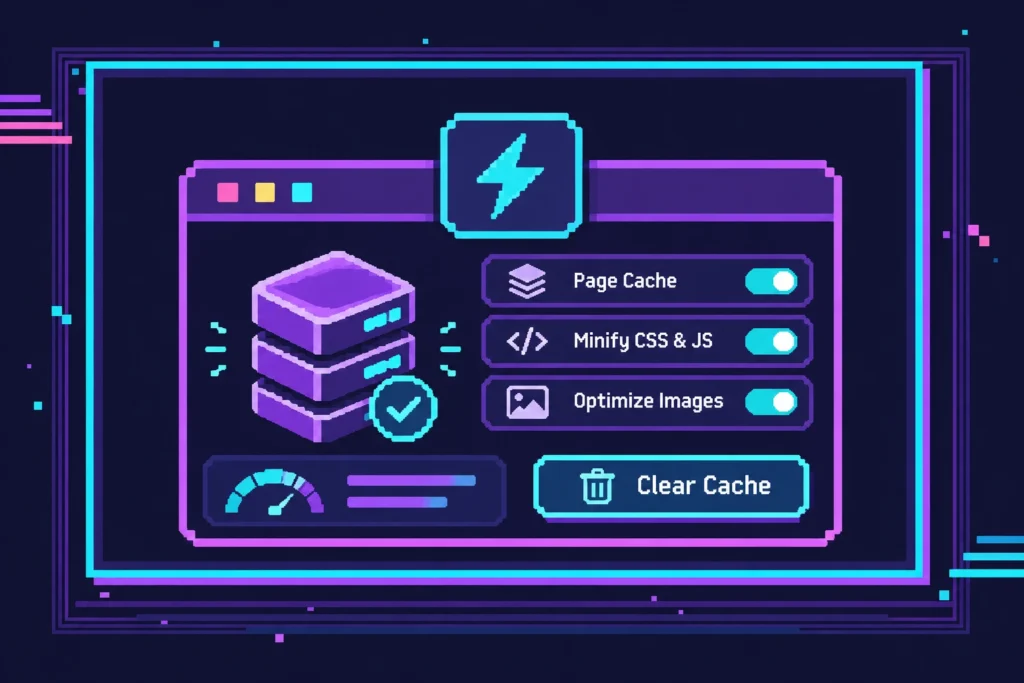
WPress Cache illustration
MEET YOUR NEW WORDPRESS TOOL
PRICEFREE DOWNLOAD
VERSION1.0
REQUIRESWordPress
UPDATEDNov 25, 2026
DOWNLOAD CLICKS18

PLUGIN FEATURES

SMALL TOOL.
BIG IDEAS.

Useful features, no unnecessary detours. Here's what this plugin brings to your WordPress setup.

Fast full-page HTML caching

Smart cache clearing when content changes

Automatic cache warming after publishing

Gzip compression and HTML minification

Lazy-loaded iframes and featured-image preload

WooCommerce-aware exclusions

A CLOSER LOOK

MEET THE PLUGIN.

Meet your new WordPress speed sidekick.

A great website deserves more than a loading spinner.

WPress Cache gives your WordPress website a performance power-up with full-page caching, smart cache clearing and automatic cache warming — wrapped in a colorful, easy-to-use dashboard.

Instead of rebuilding the same public pages again and again, WordPress can serve ready-to-go cached HTML to eligible visitors.

Less waiting. More creating.

WPress Cache gives you control over the things that matter:

  • Fast full-page HTML caching
  • Smart cache clearing when content changes
  • Automatic cache warming after publishing
  • Gzip compression and HTML minification
  • Lazy-loaded iframes and featured-image preload
  • WooCommerce-aware exclusions
  • Custom cache lifetime and excluded URLs
  • One-click cache management and statistics

No external account required. No complicated cloud dashboard.

Just practical WordPress performance tools with a little pixel-powered personality.

Give your website the speed boost it deserves.

/ QUICK START

FROM ZIP TO
WORDPRESS.

No complicated setup wizard. WordPress already knows what to do with a plugin ZIP.

  1. 1
    DOWNLOAD

    Get the plugin ZIP using the button above.

  2. 2
    UPLOAD

    In WordPress, open Plugins → Add New → Upload Plugin.

  3. 3
    ACTIVATE

    Install and activate, then review any plugin-specific settings.

/ KEEP EXPLORING

MORE FROM THE LAB.

VIEW ALL PLUGINS