A Little Access. A Lot Less Hassle.
Forgotten passwords, complicated login instructions and endless back-and-forth? There’s a better way.
Meet WPress Login Links, the simple WordPress plugin that lets trusted administrators create secure, temporary login links for eligible users.
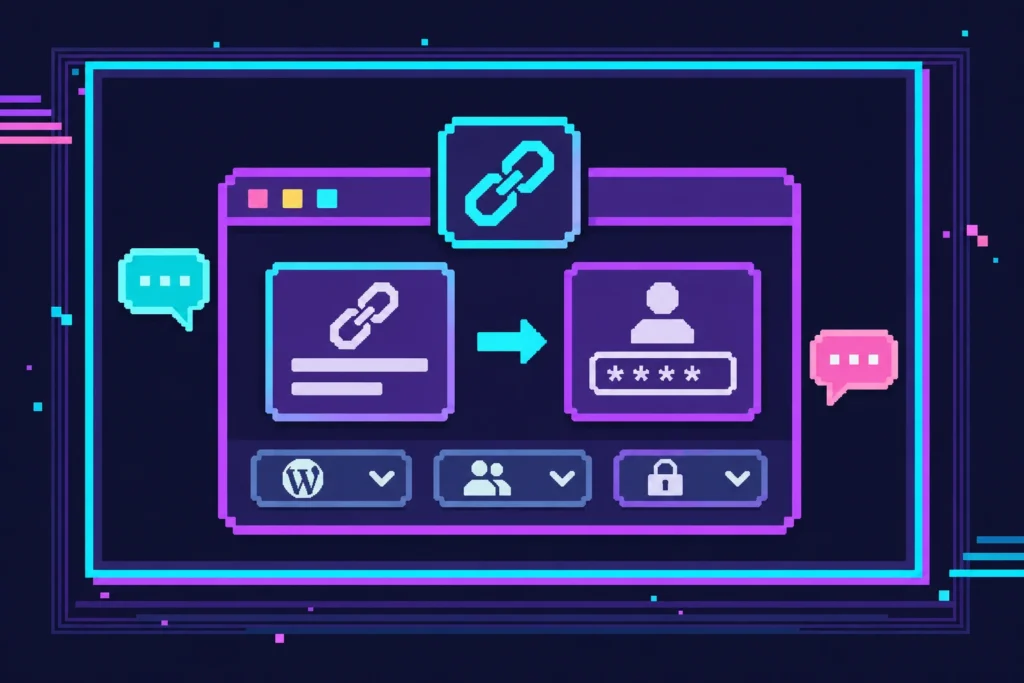
Generate a private link, share it with the intended user, and give them a quick way into their existing WordPress account without asking for their password.
Every link works only once, automatically expires after 15 minutes, and can be revoked instantly.
Temporary Access. Without the Security Shortcuts.
WPress Login Links makes managing temporary access refreshingly simple.
- One-Time Login Links: Generate secure, single-use links directly from WordPress user profiles.
- 15-Minute Expiration: Links automatically expire after 15 minutes.
- Passwordless Sign-In: Let eligible users access their accounts without sharing passwords.
- Instant Revocation: Cancel an active link or replace it with a new one.
- Encrypted-Hash Protection: Only a keyed cryptographic hash of the login token is stored.
- Privileged Account Protection: Administrator, Editor and equivalent privileged accounts cannot use these links.
- Built-In Security: HTTPS enforcement, rate limiting and secure redirects.
- No External Services: Everything runs directly inside WordPress.
Less Password Drama. More Getting Things Done.
Whether you’re helping a customer, assisting a team member or resolving a login issue, WPress Login Links gives you a convenient way to grant short-lived access to an eligible account.
No complicated configuration. No external authentication service. No reusable passwords passed around.
Just one link. One login. Done.
Installation
Install and activate WPress Login Links, open Users → Edit User, and generate a secure link for an eligible user. Copy the link and share it privately.
Requires WordPress 5.8+, PHP 7.4+ and HTTPS. Links are not available for administrator, editor or equivalent privileged accounts.